15 minute reading
BNB Chain bridges compared by speed and chains
Method | Type | Token Changes? | Chains Supported | Requires BNB Wallet | Speed | Best For | Ease of Use |
Symbiosis Finance | Cross-chain swap | Yes (e.g., ETH → BNB) | 30+ EVM & non-EVM | Yes | Fast (minutes) | Quick swaps into BNB | High |
deBridge | Native bridge | No (e.g., USDC → USDC) | 10+ chains | Yes | Moderate | Preserving token type across chains | Moderate |
Stargate | Multi-chain bridge | No (e.g., USDT → USDT) | 20+ chains | Yes | Fast (minutes) | Moving tokens/stablecoins cross-chain | High |
Centralized Exchanges | Exchange withdrawal | Yes (via trading) | Depends on exchange | Yes | Very fast | Buying BNB with fiat or crypto | Very High |
Trust Wallet | In-wallet swap | Yes (e.g., ETH → BNB) | Ethereum, Polygon, Base | Already built-in | Very fast | Swapping into BNB directly in-wallet | Very High |
Cross-chain swaps: bridge to BNB Chain with Symbiosis Finance
What is Symbiosis Finance? How to bridge to BNB using Symbiosis
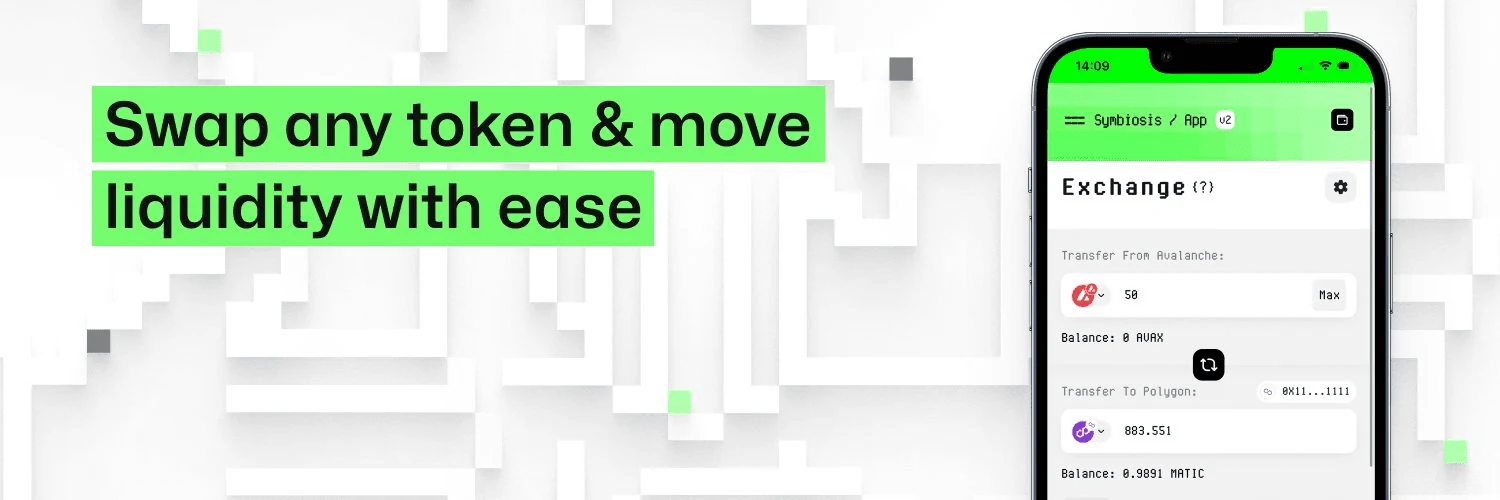
Symbiosis Finance is a leading cross-chain DEX aggregator that allows users to bridge to BNB Chain from over 30 blockchains. Unlike traditional token bridges, Symbiosis combines swapping and bridging into a single transaction, enabling users to go from any token (e.g., ETH, MATIC, AVAX) to BNB or BEP-20 assets in minutes.
It works under the hood to handle routing, liquidity aggregation, and token wrapping – so you don’t have to.
Why use Symbiosis for swapping to BNB?
Native bridges: How to use deBridge to bridge to BNB Chain
Go to the official Symbiosis Swap interface.
Connect your wallet (MetaMask, Trust Wallet, etc.).
Choose your source chain (e.g., Ethereum) and your target chain (BNB Chain).
Pick the token you want to swap from (e.g., USDC, ETH) and enter the amount.
Review swap details: expected BNB amount, slippage, and gas fees.
Confirm the transaction in your wallet.
Wait a few moments – your BNB will appear directly in your BNB Chain wallet.
What is deBridge?
Streamlined Experience: No need to visit multiple dApps or swap tokens manually. Symbiosis handles it in one transaction.
Cross-Chain Support: Works with Ethereum, Polygon, Avalanche, Arbitrum, Optimism, zkSync, and many more.
Secure and Audited: Built with audited smart contracts, using decentralized relayers for trustless execution.
Real-Time Routing: Finds the best liquidity path automatically across DEXs.
How to bridge tokens to BNB Chain using deBridge? Why use deBridge to bridge to BNB Chain?
deBridge is a high-performance cross-chain protocol designed for secure and decentralized interoperability between blockchains. Unlike swap-style bridges that change your token into a different one (e.g., ETH → BNB), deBridge allows you to move the same token – like USDC or ETH – across chains, including to and from BNB Chain.
This makes it especially valuable for users who want to preserve token denomination and avoid slippage.
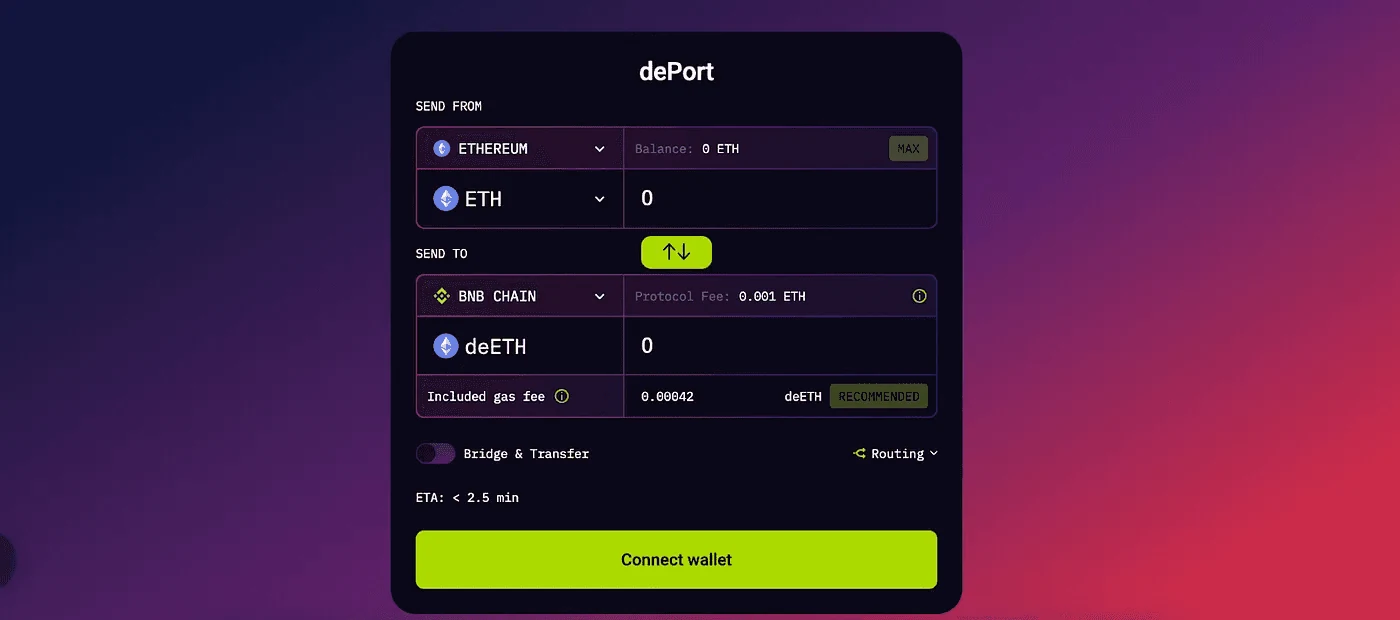
Visit the official deBridge app.
Connect your wallet (such as MetaMask or other Web3 wallets).
Select your source chain (e.g., Ethereum) and your target chain (BNB Chain).
Choose the token you want to transfer (e.g., USDC, ETH, or other supported assets).
Enter the amount and review transaction details.
Confirm and approve the transaction in your wallet.
Wait for the transaction to process – your token will arrive on BNB Chain in the same denomination.
Token Preservation: Unlike cross-chain swaps, deBridge keeps your token type intact. Move USDC on Ethereum to USDC on BNB Chain – no conversion necessary.
Security-First Architecture: deBridge has undergone multiple smart contract audits and implements signature-based message validation for safer cross-chain communication.
Broad Asset and Chain Support: From Ethereum and BNB Chain to Arbitrum, Polygon, and more – deBridge works across many major L1s and L2s, making it a versatile choice for BNB bridging.

Multi-chain bridges: How to use Stargate to move assets to BNB Chain
What is Stargate?
Stargate is a fully composable liquidity transport protocol built on LayerZero, powering seamless asset transfers across major blockchains. As a cornerstone of the Omnichain DeFi movement, Stargate allows users to bridge assets to BNB Chain with instant finality, making it a favorite for fast-moving DeFi users and stablecoin transfers.
Unlike some cross-chain solutions, Stargate leverages unified liquidity pools to enable deep, native transfers between chains.
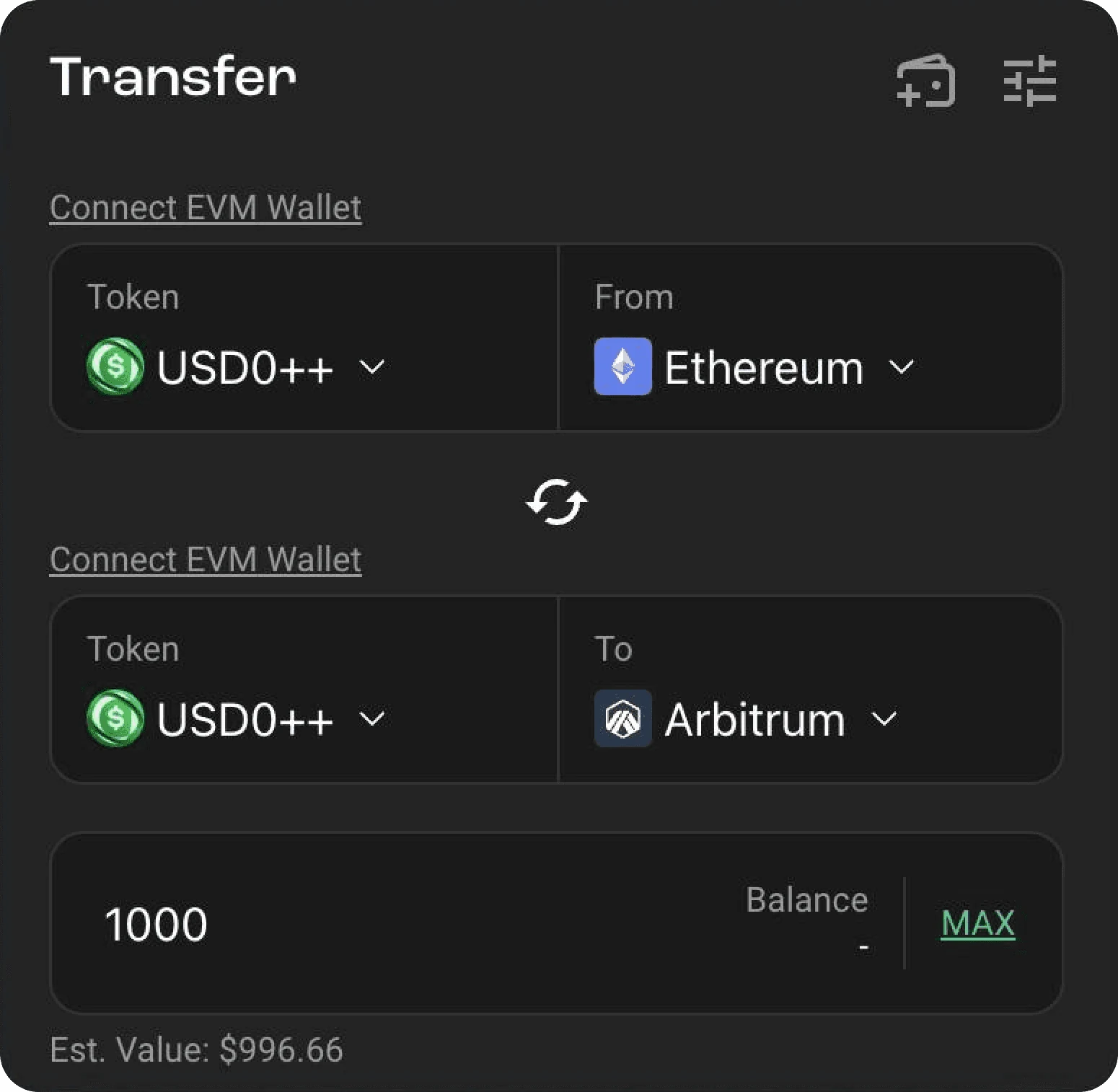
How to bridge assets to BNB Chain using Stargate
Why use Stargate to bridge to BNB Chain?
Go to Stargate Finance.
Connect your wallet (e.g., MetaMask, Trust Wallet).
Select your source chain (like Ethereum, Arbitrum, or Avalanche) and target chain (BNB Chain).
Choose your asset (USDT, USDC, ETH, etc.) and input the amount.
Review the details: slippage, fees, and estimated time.
Approve the transaction in your wallet.
Wait briefly – your asset will appear on BNB Chain with finality guaranteed.
How to trade crypto for BNB using Binance Spot
Instant Guaranteed Finality: Unlike some legacy bridges with confirmation delays, Stargate ensures that transfers are executed and finalized immediately – no waiting, no uncertainty.
Unified Liquidity Pools: Stargate taps into deep, cross-chain liquidity pools, which helps minimize slippage and provides better rates for large transfers.
Clean UX for Multi-Chain Transfers: The interface is simple, fast, and intuitive, making it ideal for both new and experienced users looking to bridge to BNB Chain quickly.
Here’s how to do it:
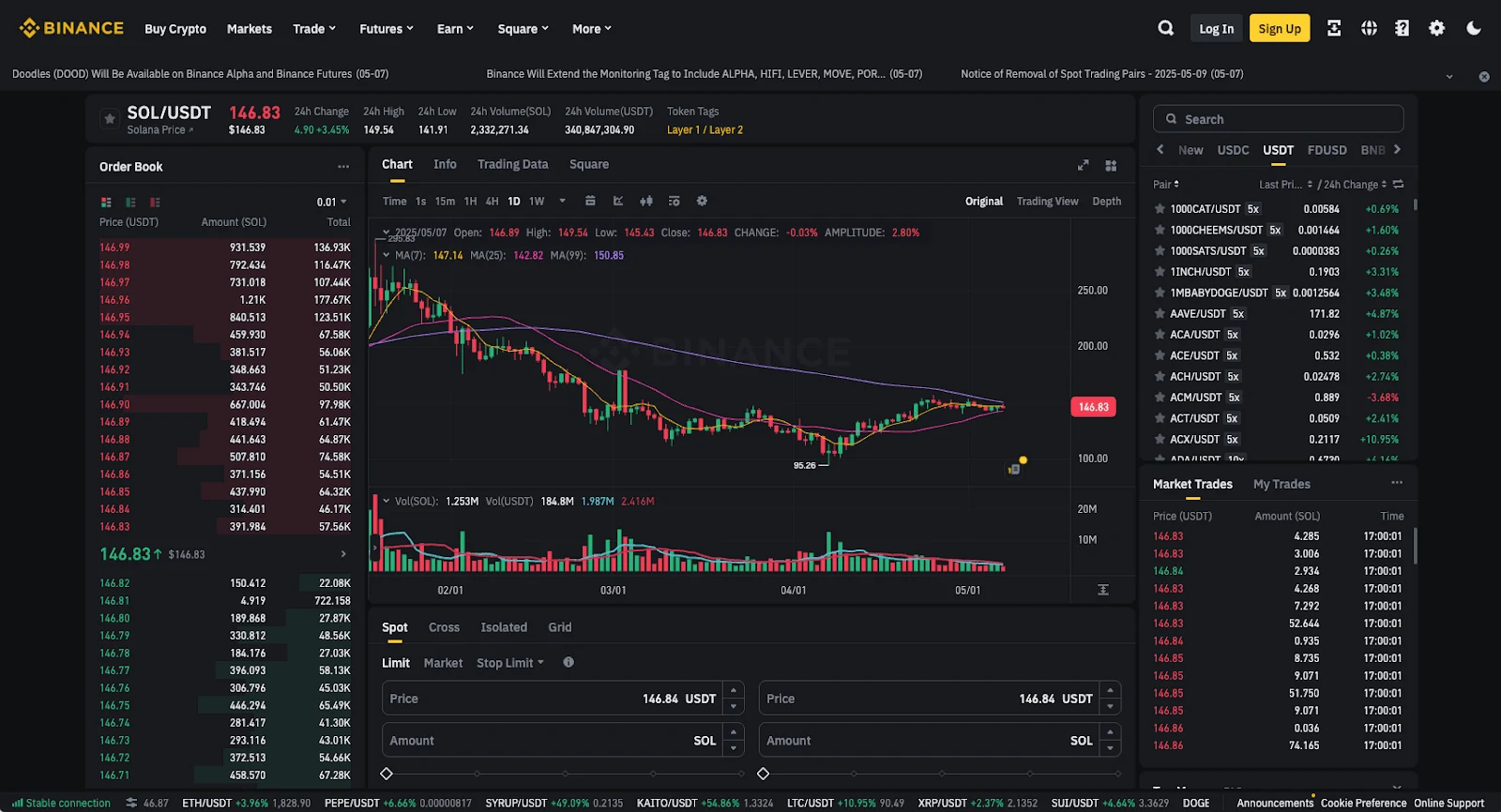
If you already have crypto like USDT, ETH, or BTC on your Binance wallet, or another centralised exchange wallet, and want to get BNB onto the BNB Smart Chain, you could always just exchange it using the exchange’s spot trading feature. This lets you convert your existing tokens into BNB, then withdraw it to your own wallet.
The only issue is that you’ll need to pass KYC checks for this crypto swap method, which aren’t all that convenient.
Wallet-based solutions: Bridge to BNB Chain inside Trust Wallet
How it works: Cross-chain swaps in Trust Wallet
Log in to your Binance account: If you don’t have one yet, sign up and complete the basic verification process.
Deposit your crypto: You can send USDT, ETH, BTC – or another supported token – into your Binance wallet.
Open the Spot trading interface: From the homepage, click on "Trade" → "Spot" in the top menu.
Find your trading pair: Use the search bar to look for the pair that matches your token and BNB:
If you have USDT, search for BNB/USDT.
If you have ETH, search for BNB/ETH, and so on.
Make the trade: Choose "Market Order" if you want to swap instantly at the current price. Enter the amount of your token you'd like to convert into BNB, then click "Buy BNB."
Check your balance: Once the trade goes through, your BNB will appear in your Spot Wallet.
Withdraw to your own wallet on BNB Chain: Go to Wallet → Fiat and Spot → Withdraw, select BNB, enter your BNB Smart Chain (BEP20) wallet address, choose the BEP20 network, and confirm the withdrawal.
In just a few minutes, your BNB will be in your self-custodial wallet – ready to use across the BNB Chain ecosystem.
Here’s how to do it:
Why use Trust Wallet to bridge to BNB Chain?
With Trust Wallet, you don’t need to visit a separate bridge or centralized exchange to get BNB into your wallet. Trust Wallet supports built-in cross-chain swaps, allowing you to go from tokens like ETH, MATIC, or USDT directly into BNB on BNB Chain – all within the app.
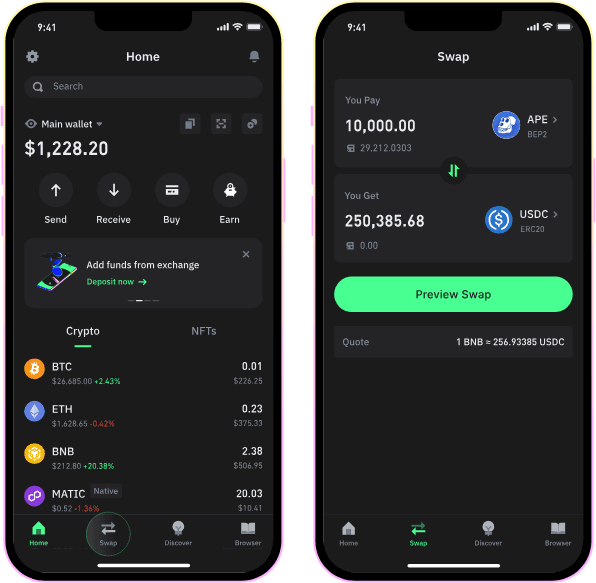
Open the Trust Wallet app on your phone.
Navigate to the “Swap” tab from the main screen.
Choose the token you want to swap from (e.g., ETH or USDT).
Select BNB (BEP20) as the token you want to receive.
Review the estimated amount, network fees, and slippage.
Tap “Confirm Swap” and approve the transaction.
Wait a few minutes – the swapped BNB will show up in your wallet, already on BNB Chain.
This is one of the fastest and most beginner-friendly ways to get BNB, especially if you're starting from a different token on another chain.
All-In-One Convenience: No browser extensions, no bridges, no exchange accounts. Everything happens directly inside the wallet.
Beginner-Friendly UX: The Trust Wallet interface is designed for mobile-first users with clear, guided steps.
Multi-Chain Support: Trust Wallet facilitates swaps from major networks like Ethereum, Polygon, and Arbitrum straight into BNB Chain.

Which BNB Chain bridge should you use?
Selecting the right bridge to BNB Chain depends on your specific requirements, such as the type of assets you're transferring, desired speed, security considerations, and user experience preferences. Here's a summary to guide your decision:
Symbiosis Finance: Ideal for users seeking a straightforward, swap-style experience. It supports a wide range of tokens and chains, making it perfect for quick conversions into BNB.
deBridge: Best suited for those who prioritize preserving the original token type across chains. It offers a secure and efficient method for transferring assets like USDC or ETH to BNB Chain.
Stargate: A versatile option supporting numerous EVM and non-EVM networks. It's particularly useful for moving stablecoins and tokens cross-chain with minimal fees and fast transaction times.
Centralized Exchanges (e.g., Binance): Perfect for beginners or those who prefer a more traditional approach. These platforms allow you to buy and withdraw BNB directly to your wallet with ease, but require KYC verification.
Trust Wallet: Offers an integrated, in-app solution for cross-chain swapping. It's a convenient choice for users who prefer managing their assets within a single wallet interface.

Share this: