
Symbiosis MCP server
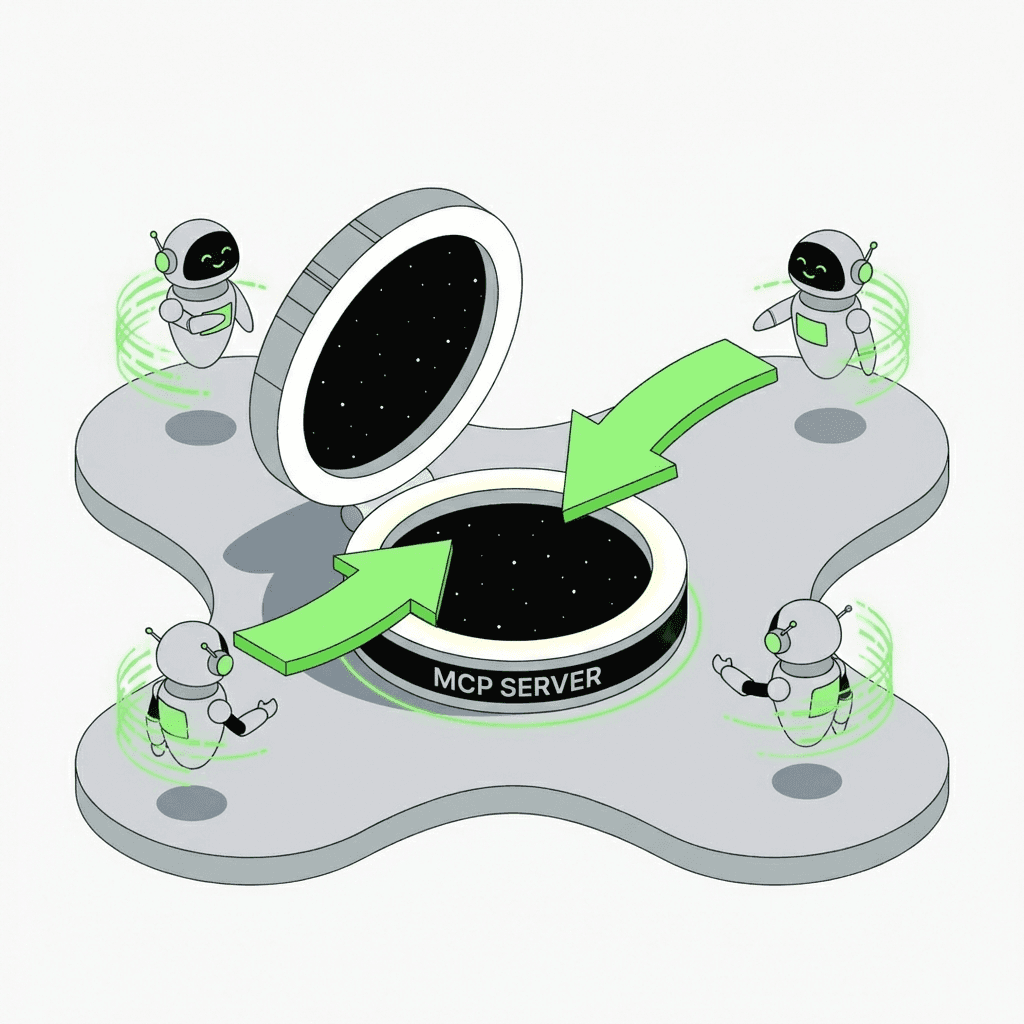
Our MCP server allows AI agents to perform any-to-any token swaps across 50+ blockchains through a standardized Model Context Protocol interface, while maintaining full decentralization.
Step 1: Install the server
Clone the repository and run npm install && npm run build, pull the Docker image from Docker Hub, or skip installation and connect directly to the hosted instance at mcp.symbiosis.finance/mcp
Step 2: Configure your environment
Copy .env.example to .env. Add your PRIVATE_KEY to enable swap execution. Without it, the server runs in read-only mode: token search, quotes, calldata, and swap URLs are still available.
Step 3: Connect to your AI client
Add Symbiosis MCP Server to Claude, Cursor, Windsurf, VS Code, Cline, Continue, Zed, or any MCP-compatible client. Your agents are ready to swap.
Features available via MCP
Swaps & Quotes
Search 6000+ tokens by name, symbol, or contract address across all supported chains.
Get a swap quote — expected output, fees, and estimated time.
Generate a pre-filled Symbiosis app URL for the user to execute in their browser.
Execution
Build transaction calldata with approve check and gas params.
Sign and broadcast in one step.
All-in-one: calldata + approve + sign + broadcast in a single call.
*(requires PRIVATE_KEY)
Tracking & Balances
Check cross-chain swap status by tx hash.
Check token balances across all EVM chains.
Get validated RPC endpoints for any chain, sorted by latency.
Why use Symbiosis MCP?
Any-to-any swaps
Swap any token for any other token — ERC-20, SPL, TRC-20, meme tokens, new tokens — on the same chain or across different chains.
50+ blockchains
One MCP server covers Ethereum, Arbitrum, BNB Chain, Solana, Bitcoin, TON, Tron and 40+ more networks.
No installation required
Connect directly to the hosted instance at mcp.symbiosis.finance/mcp — no setup, no private key needed to get started.
Flexible execution modes
Read-only mode for quotes and calldata. Full mode with PRIVATE_KEY for signing and broadcasting — including a single all-in-one call.
Works with your AI tools
Native support for Claude, Cursor, Windsurf, VS Code, Cline, Continue, Zed and any other MCP-compatible client.
Human-readable amounts
No wei, no lamports, no satoshis. Pass "1.5" and get "1.49 USDC" back — the server handles all decimal conversions automatically.